
Quick Take
- how AI agents connect systems
- make decisions
- redesign how work moves through your business in 2026
What You'll Learn
In this article you'll learn:
- What Is AI-Powered Workflow Automation?
- What Is an AI Agent?
- Traditional Automation vs AI Agents
- The New Business Automation Model
- What Does “Automate the Entire Workflow” Actually Mean?
- The Role of n8n and Workflow Automation Platforms
How This Works
Automation replaces repetitive handoffs by applying rules or AI-assisted decisions, then executing actions in connected business systems.
Automation workflow
- Step 1: Manual process
- Step 2: Rules / AI
- Step 3: Automation workflow
- Step 4: Business system
- Step 5: Notification
- Step 6: Dashboard
Have a similar process in your organization?
Explore Your Automation Opportunity →Businesses have automated individual tasks for years. A form creates a CRM lead. An email triggers a notification. An order updates inventory. A payment generates an invoice. A customer submits a support ticket. These are useful automations.
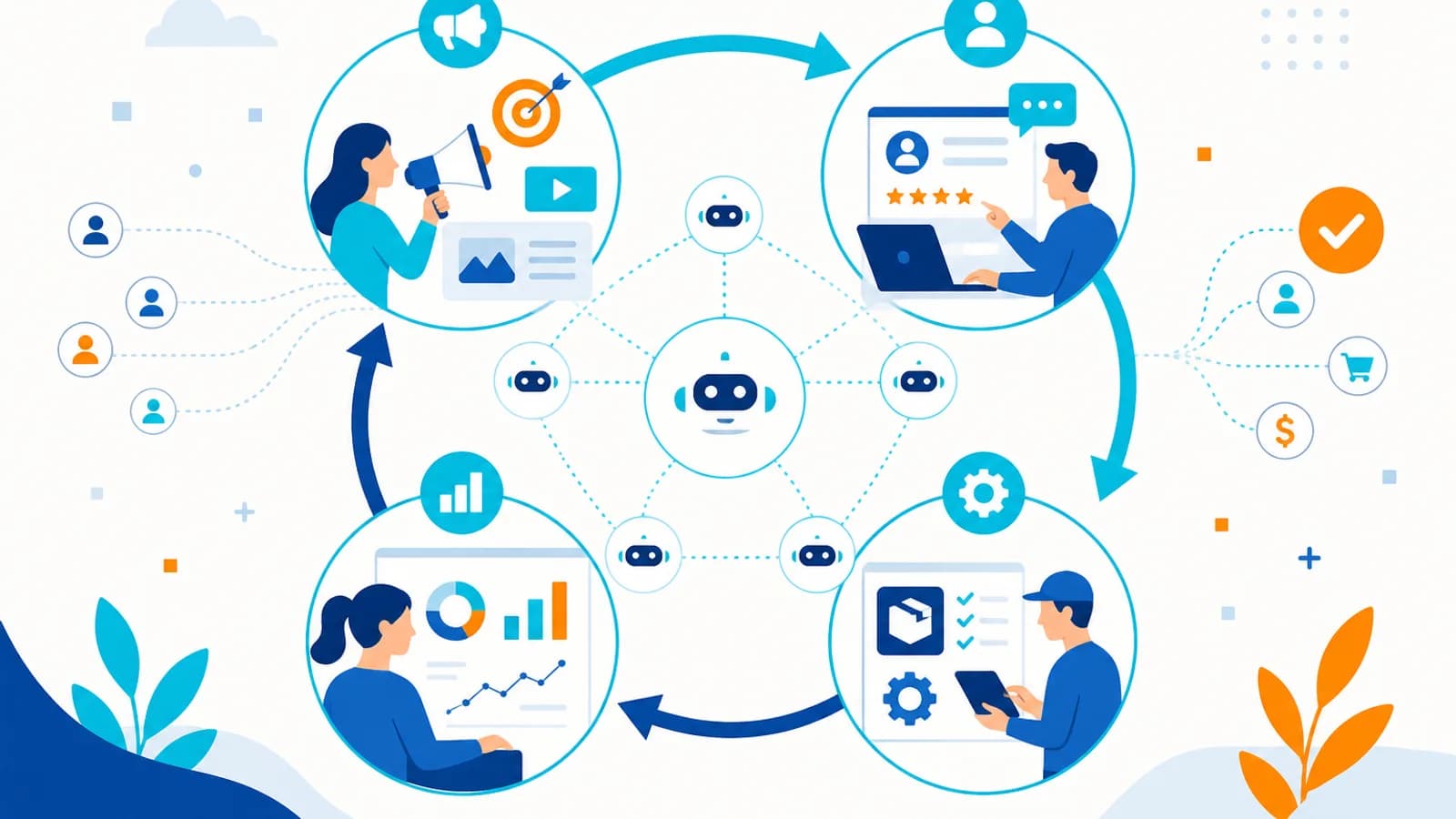
But businesses are now moving toward something much bigger: automating entire business workflows using AI agents. Instead of automating one task at a time, AI agents can connect multiple steps, understand context, make decisions, use business tools, and coordinate actions across different systems.
This creates a fundamental shift: from task automation → to intelligent workflow automation. For businesses in 2026, the opportunity isn’t simply to automate more tasks. It is to redesign how work moves through the organization.
What Is AI-Powered Workflow Automation?#
Traditional workflow automation follows predefined instructions. For example: New Lead → Add to CRM → Send Email → Notify Salesperson. Every step is known in advance.
AI-powered workflow automation introduces an intelligence layer. A simplified workflow might look like: New Lead → AI Understands Lead → Researches Context → Qualifies Lead → Updates CRM → Generates Response → Schedules Follow-Up → Escalates if Required.
The AI agent isn’t simply executing a fixed sequence. It can interpret information and determine the appropriate next action within defined boundaries. This makes it particularly useful for workflows involving unstructured information, natural language, multiple systems, decision-making, exceptions, customer interactions, research, and personalization.
What Is an AI Agent?#
An AI agent is a software system that can work toward a defined goal by understanding inputs, reasoning about information, planning actions, using tools, calling APIs, retrieving information, evaluating results, taking approved actions, and escalating when necessary.
A traditional automation might be told: “If a form is submitted, create a CRM record.” An AI agent can potentially handle: “Review this new lead, understand their requirements, check whether they fit our target customer profile, research relevant information, update the CRM, prepare a personalized response, and notify the appropriate salesperson.” That is a much more complex workflow.
Traditional Automation vs AI Agents#
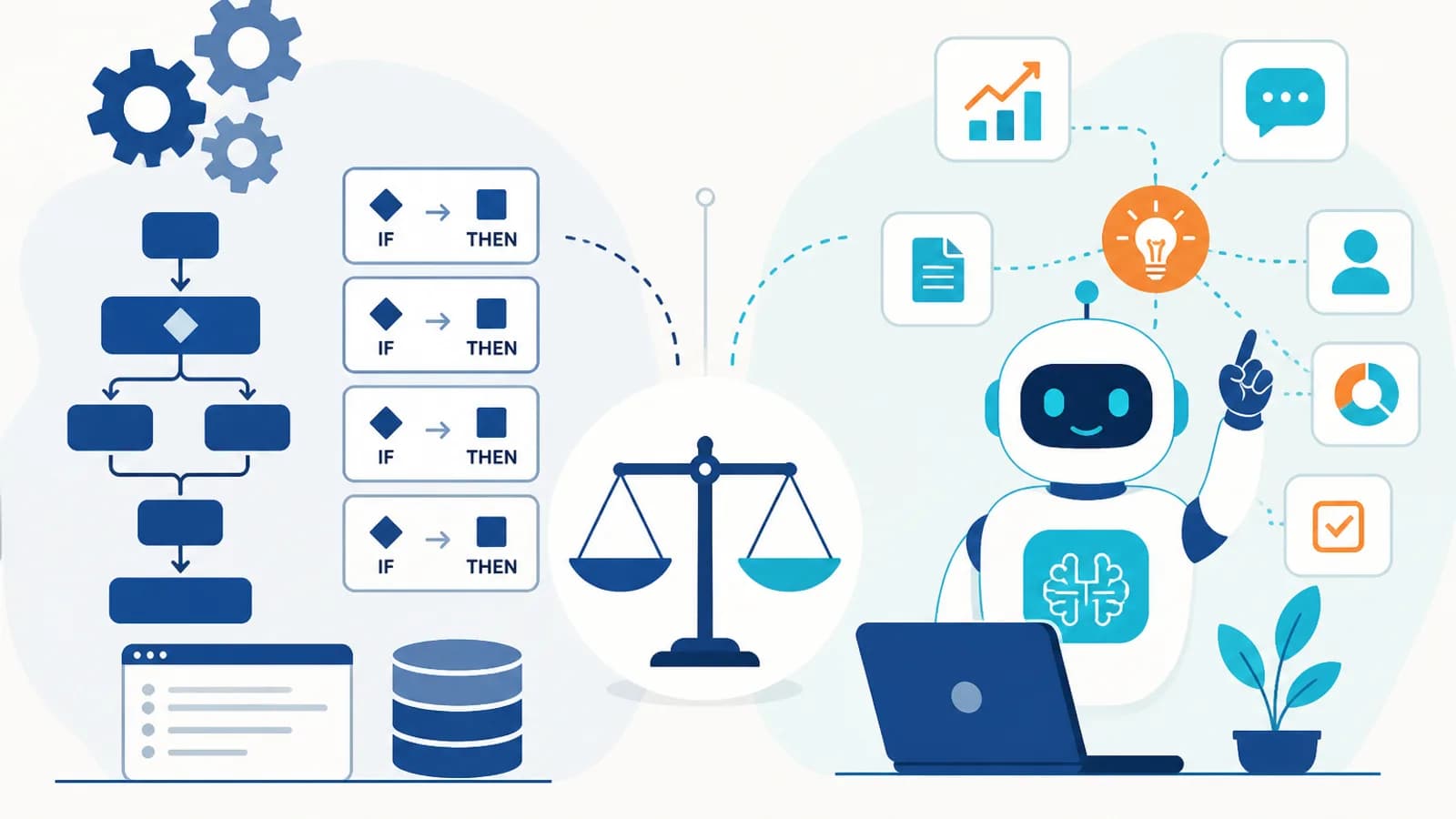
Both approaches excel at fixed rules, repetitive tasks, structured data, and API integrations. The differences appear with natural language, unstructured data, contextual decisions, dynamic workflows, personalization, and multi-step reasoning—areas where AI agents are stronger.
Exception handling and human escalation are typically predefined in traditional automation and more context-aware with AI agents. This doesn’t mean AI agents should replace traditional automation. In fact, the strongest business workflows often combine both.
The New Business Automation Model#
A modern workflow can be divided into three layers. Layer 1 — Intelligence: AI understands what happened, what the customer wants, what information is relevant, and what decision needs to be made.
Layer 2 — Execution: Automation executes API calls, database updates, notifications, emails, CRM changes, payments, and scheduling. Layer 3 — Human Oversight: Humans handle high-value decisions, exceptions, sensitive actions, approvals, and strategic relationships.
This creates AI Intelligence + Automation + Human Control rather than attempting to make AI responsible for everything.
End-to-end workflow automation connects triggers, AI-assisted decisions, and reliable execution in business systems.
AI-powered workflow model
- Step 1: Trigger
- Step 2: AI interpretation
- Step 3: Decision
- Step 4: Automation
- Step 5: Enterprise system
- Step 6: Reporting
What Does “Automate the Entire Workflow” Actually Mean?#
It does not mean removing humans from every business process. Instead, it means reducing unnecessary manual intervention between the beginning and end of a process.
A traditional sales process may involve an employee reviewing, researching, qualifying, entering CRM information, writing email, scheduling follow-up, updating pipeline, and preparing reports—hours of administrative work.
An AI-powered process can capture and analyze the lead, qualify it, update the CRM, generate a personalized response, schedule follow-up, and deliver a qualified opportunity to the salesperson with summarized insights for managers. The human is still involved—but where their expertise provides the most value.
1. Automating Lead Generation and Qualification#
Lead management is one of the strongest use cases for AI agents. A typical workflow can start with website forms, landing pages, LinkedIn, WhatsApp, email, advertising campaigns, chatbots, and referral programs.
The AI agent can then capture the lead, extract relevant information, identify customer requirements, enrich available information, score the lead, determine potential fit, update the CRM, assign the lead, generate personalized communication, and schedule follow-up. Instead of sending every lead directly to a salesperson, the AI can help create a prioritized pipeline.
2. Automating Sales Follow-Ups#
Sales teams lose opportunities when follow-ups are inconsistent. Traditional automation may send “Just following up on my previous email.” AI can create more contextual communication—for example referencing implementation timing concerns and including a proposed timeline.
A controlled workflow might be: Customer interaction → AI summarizes → AI identifies next action → Human approval → Email sent → CRM updated. For lower-risk workflows, the approval step may be automated according to business rules.
3. Automating Customer Support#
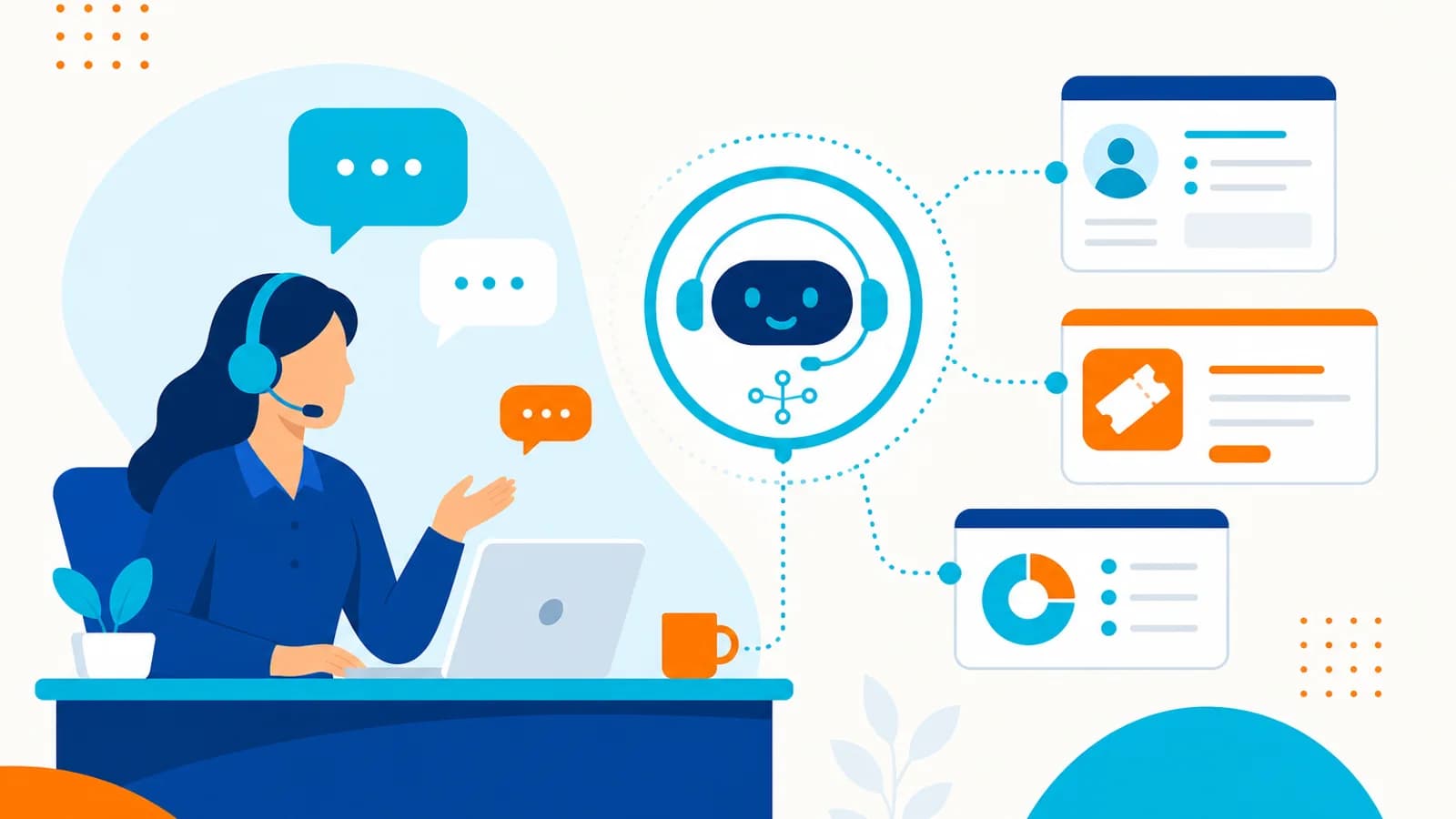
Customer support involves a huge amount of repetitive work. AI agents can assist with FAQ responses, order status, account questions, troubleshooting, ticket classification, knowledge-base searches, ticket routing, escalation, and conversation summaries.
For example, if a customer says “My payment was completed but my subscription is still inactive,” the AI agent can identify the customer, retrieve account and payment status, search documentation, determine the likely issue, respond, create or update a ticket, and escalate if required. This turns customer support into an intelligent workflow rather than a collection of disconnected tasks.
4. Automating Email Management#
Email remains one of the biggest sources of manual work in organizations. AI agents can help classify incoming emails, identify urgent requests, extract information, summarize long conversations, detect customer intent, create CRM activities, draft responses, route messages, create tasks, and escalate important emails.
Imagine receiving an email requesting a product demo for next week with about 40 users and CRM integration needs. An AI workflow could read the email, extract requirements, identify the lead, update the CRM, determine lead type, draft a response, suggest available slots, and create follow-up—instead of an employee manually processing every step.
5. Automating CRM Management#
One of the biggest problems with CRM systems is data maintenance. Salespeople often forget to update lead status, notes, contact information, opportunity stage, follow-up dates, and customer requirements.
AI agents can help keep the CRM updated based on customer interactions. For example: Sales call → Transcription → AI analysis → Key requirements → Objections → Next action → CRM update. This turns the CRM into a more accurate source of business information.
6. Automating Marketing Workflows#
Marketing teams perform many repetitive activities. AI agents can assist with topic research, content ideas, content briefs, social media drafts, email campaigns, audience segmentation, campaign analysis, lead nurturing, and content repurposing.
For example: New blog published → AI creates LinkedIn post → AI creates short-form social content → AI creates email newsletter draft → Human reviews → Content scheduled → Performance collected → AI analyzes engagement → Insights added to next campaign. The important point is that AI can connect the entire process.
7. Automating E-Commerce Operations#
E-commerce businesses have many interconnected processes. An AI-powered workflow can connect Customer → Product → Order → Payment → Inventory → Shipping → Support → CRM.
For example, a customer asks for a laptop for software development under ₹80,000. An AI agent can understand requirements, search the catalog, compare products, recommend options, answer questions, and assist with checkout. After purchase: Order created → Inventory updated → Payment confirmed → Shipping initiated → Customer notified → CRM updated. AI handles reasoning. Traditional automation handles reliable execution.
8. Automating Finance Operations#
Finance workflows often involve structured and repetitive processes. AI can assist with invoice extraction, expense classification, payment reconciliation, document processing, financial reporting, purchase order analysis, and exception detection.
For example: Invoice received → AI extracts invoice information → Validates vendor → Checks purchase order → Identifies discrepancies → Routes for approval → Accounting system updated → Payment workflow initiated. For financial actions, businesses should use strict permissions and approval controls. AI should not have unrestricted authority over sensitive financial transactions.
9. Automating HR Workflows#
HR departments handle many repetitive processes. AI agents can assist with candidate communication, interview scheduling, resume information extraction, employee onboarding, HR FAQs, document collection, and training coordination.
For example: Candidate selected → AI sends onboarding instructions → Collects required documents → Creates HR tasks → Schedules orientation → Notifies relevant departments → Updates HR system. Human oversight should remain in place for sensitive employment decisions.
10. Automating Internal Knowledge Management#
Businesses often have information scattered across PDFs, documents, emails, wikis, databases, CRM systems, and project management tools. Employees spend considerable time searching for information.
An AI agent can provide a conversational interface such as “What is the current implementation process for enterprise customers?” and retrieve relevant information from approved internal sources. This is where technologies such as RAG (Retrieval-Augmented Generation) can become particularly useful—retrieving relevant business information before generating a response.
11. Automating Reporting#
Managers often spend significant time preparing reports. AI agents can collect information from CRM, ERP, analytics, marketing platforms, project management tools, and finance systems—then generate daily summaries, weekly reports, sales and marketing reports, operational dashboards, and exception reports.
Instead of Collect → Export → Clean → Analyze → Create presentation, the workflow can become Collect → Analyze → Summarize → Deliver. Managers can then focus on decisions rather than report preparation.
12. Automating Project Management#
Project workflows can also benefit from AI. An AI agent can analyze project updates, identify overdue tasks, summarize meetings, extract action items, update project tools, identify risks, and notify stakeholders.
For example: Meeting transcript → AI identifies decisions → AI extracts action items → Tasks created → Owners assigned → Deadlines recorded → Project dashboard updated. This removes a significant amount of administrative work.
The Role of n8n and Workflow Automation Platforms#
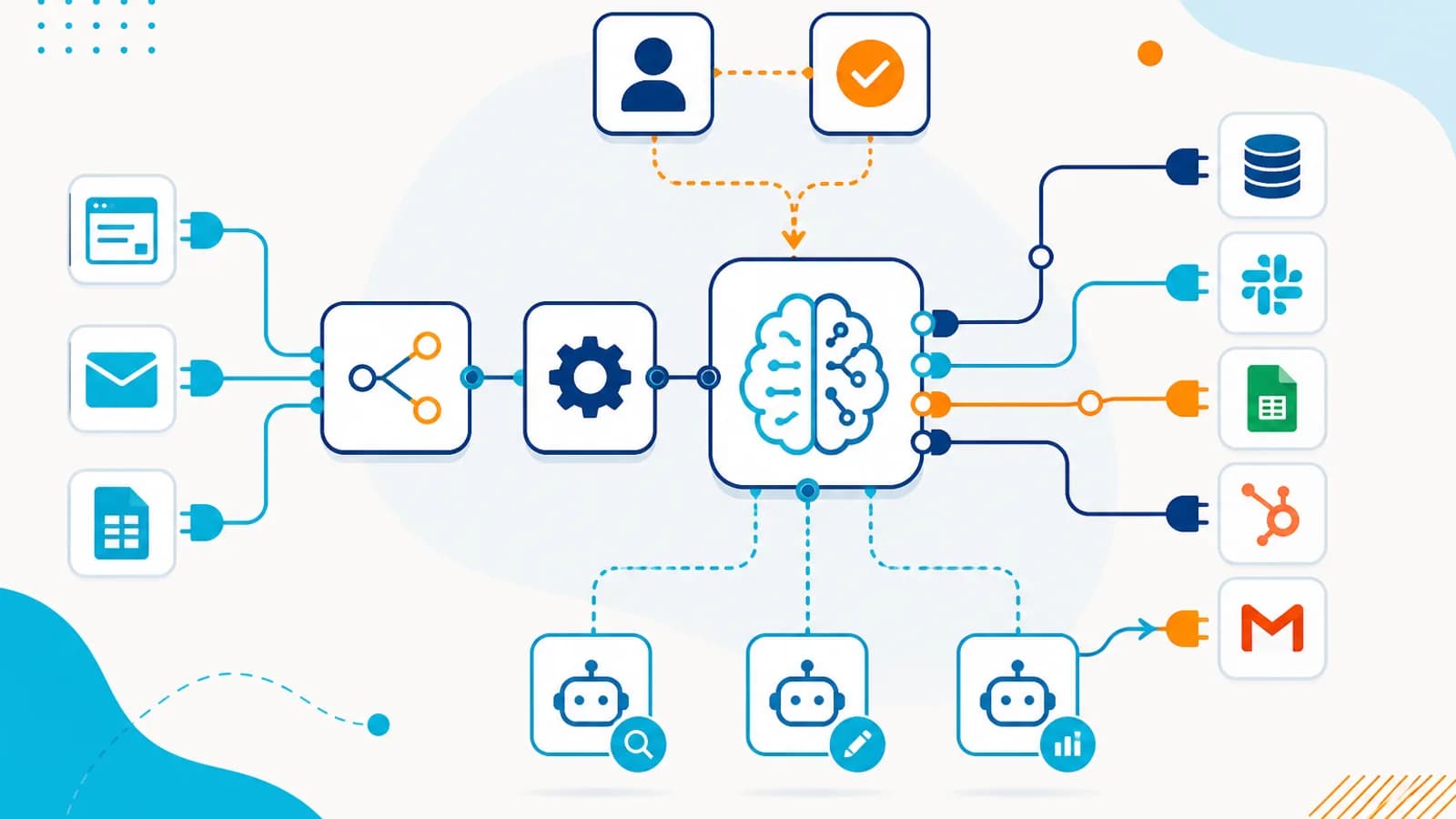
AI agents become much more useful when they can interact with existing business systems. Platforms such as workflow automation tools can connect CRM, email, WhatsApp, databases, Google Sheets, APIs, Slack, project management systems, e-commerce platforms, and AI models.
For example: Website Lead → AI Agent → CRM → Email → WhatsApp → Sales Notification → Calendar → Reporting. The AI agent can determine what should happen. The automation platform can execute the integrations. This combination can dramatically reduce development time for many workflows.
AI Agents Should Not Control Everything#
One of the biggest mistakes businesses can make is giving an AI agent unrestricted access. A production AI workflow should use controlled tools and permissions.
An AI agent may be allowed to read customer information, search a knowledge base, create drafts, create low-risk tasks, and update specific CRM fields. Actions such as sending sensitive communication, refunds, financial transactions, deleting records, contract changes, and high-value customer actions should require approval. This creates a safer architecture.
Human-in-the-Loop Automation#
AI doesn’t have to eliminate human involvement. Instead, businesses can define where humans should participate. Low risk: AI executes automatically. Medium risk: AI prepares action → Human approves → System executes. High risk: AI analyzes information → Human makes the decision. This creates a practical balance between efficiency and control.
The AI Agent Architecture#
A production AI workflow can be represented as: User / Event → AI Agent → Context & Knowledge → Decision / Planning → Tools & APIs → Business Automation → Enterprise Systems → Result → Monitoring & Human Oversight.
Important architectural components include the AI model for reasoning and language understanding, an agent orchestrator to control workflow and tools, a knowledge layer for business context through databases, documents, or RAG, a tool layer for controlled API access, an automation layer for deterministic workflows, and a governance layer for permissions, approvals, monitoring, and auditability.
End-to-end workflow automation connects triggers, AI-assisted decisions, and reliable execution in business systems.
AI-powered workflow model
- Step 1: Trigger
- Step 2: AI interpretation
- Step 3: Decision
- Step 4: Automation
- Step 5: Enterprise system
- Step 6: Reporting
How to Decide What to Automate#
Not every business process should become an AI agent. Start by evaluating frequency, manual effort, complexity, predictability, business value, risk, and data availability.
A simple framework is: Predictable + Repetitive → Traditional Automation. Contextual + Decision-oriented → AI Assistance. Dynamic + Multi-step + Tool-based → AI Agent.
Don’t Automate a Broken Process#
This is one of the most important lessons in business automation. If your process is confusing, manual, and inefficient, don’t immediately turn it into confusing, automated, and fast. First improve the process.
A better sequence is: Map → Simplify → Standardize → Automate → Optimize. AI should improve a good process. It shouldn’t hide a broken one.
Calculate the ROI Before Building#
Businesses should calculate potential savings. For example: if 10 employees each spend 1 hour per day on a repetitive task at ₹500 per hour, that is ₹5,000 per day—or about ₹1,10,000 per month over 22 working days. If automation significantly reduces this workload, the business has a measurable economic case.
The actual ROI calculation should also include AI model costs, infrastructure, development, maintenance, monitoring, human review, and integration costs. The objective is not automation for its own sake. It’s measurable business improvement.
The Most Important AI Automation Use Cases#
If you’re starting from scratch, prioritize workflows with high volume, high manual effort, clear outcomes, repetitive decisions, multiple systems, and high business value—processes directly connected to revenue, customer experience, or operational efficiency.
A Practical AI Automation Roadmap#
Phase 1 — Identify: Map existing workflows including trigger, steps, systems, employees, decisions, exceptions, and outcome. Phase 2 — Prioritize: Rank workflows based on Impact × Frequency × Automation Potential, starting with high-value, lower-risk processes.
Phase 3 — Automate Deterministic Tasks: Use traditional automation for data synchronization, notifications, record creation, scheduled tasks, and API integrations. Phase 4 — Add AI: Introduce classification, summarization, recommendation, document understanding, and natural-language interaction where needed.
Phase 5 — Introduce Agents: Once the workflow is stable, allow agents to perform controlled multi-step actions. Phase 6 — Add Governance: Implement permissions, logging, monitoring, evaluation, approval workflows, error handling, and human escalation. Phase 7 — Measure: Track hours saved, cost reduction, processing time, error rate, conversion rate, customer satisfaction, and revenue impact—then improve continuously.
What Businesses Should Avoid#
AI automation can fail when businesses focus more on technology than outcomes. Avoid automating everything at once, giving agents unlimited permissions, removing humans from critical decisions, using AI where simple rules are enough, ignoring data quality, building without monitoring, and measuring only AI usage instead of business results.
The Future of Business Workflows#
The traditional organization often looks like Employee → Application → Employee → Application → Employee, with information moving between people and systems manually. AI-powered organizations can increasingly operate like Event → AI Agent → Tools → Automation → Result, with humans entering the workflow where their judgment is most valuable.
This doesn’t mean companies will have no employees. It means employees can spend less time on repetitive administrative work and more time on strategy, creativity, customer relationships, problem solving, negotiation, innovation, and decision-making.
From Automation to Autonomous Workflows#
The next evolution of business automation is likely to move through several stages: Manual Work; Task Automation; Workflow Automation; AI-Assisted Workflows; Agentic Workflows; and Adaptive Business Systems that respond dynamically while remaining governed by business rules and human oversight.
Businesses don’t need to jump directly to the final stage. The most effective approach is usually incremental.
Final Thoughts#
AI agents are changing the way businesses think about automation. Traditional automation asks: “What steps should the system execute?” AI-powered automation asks: “What is the goal, what is happening, and what should happen next?” That difference is significant.
AI agents can interpret customer conversations, analyze documents, qualify leads, update CRMs, generate responses, coordinate workflows, retrieve information, and interact with business systems. But the strongest implementations don’t simply give AI control over everything.
They combine AI reasoning, traditional automation, business systems, reliable data, human oversight, and security and governance. The goal isn’t to replace people. The goal is to remove unnecessary work so people can focus on work that actually requires people.
The Bottom Line#
If your employees repeatedly copy information between systems, read and classify emails, update CRM records, qualify leads, generate reports, answer repetitive questions, schedule follow-ups, process documents, search internal information, and prepare routine communications, you probably have opportunities for AI-powered workflow automation.
But don’t start with “Where can we add AI?” Start with “Where are our people spending time on work that doesn’t require their full attention?” Then identify what should be Automated → Assisted → Agentified → Human-approved. That’s where AI agents can create real business value in 2026.
The future of automation isn’t simply about doing tasks faster. It’s about designing businesses where intelligent systems handle the right work, reliable automation executes the right actions, and people focus on the decisions that matter most.
Practical next steps usually combine AI agent development services, AI automation services, n8n automation services, and custom software development — with custom CRM development where sales and support data need a single system of record.
How This Benefits an Organization
A modern workflow can be divided into three layers. Layer 1 — Intelligence: AI understands what happened, what the customer wants, what information is relevant, and what decision needs to be made.
- Less repetitive work
- Fewer handoff errors
- Connected systems
- Better operational visibility
You May Also Like
AI Agents vs Traditional Automation: What Businesses Should Choose in 2026?
10 August 2026
n8n + AI Agents: 10 Business Processes You Can Automate in 2026
10 August 2026
How to Build an AI Customer Support Agent for Your Business in 2026
10 August 2026
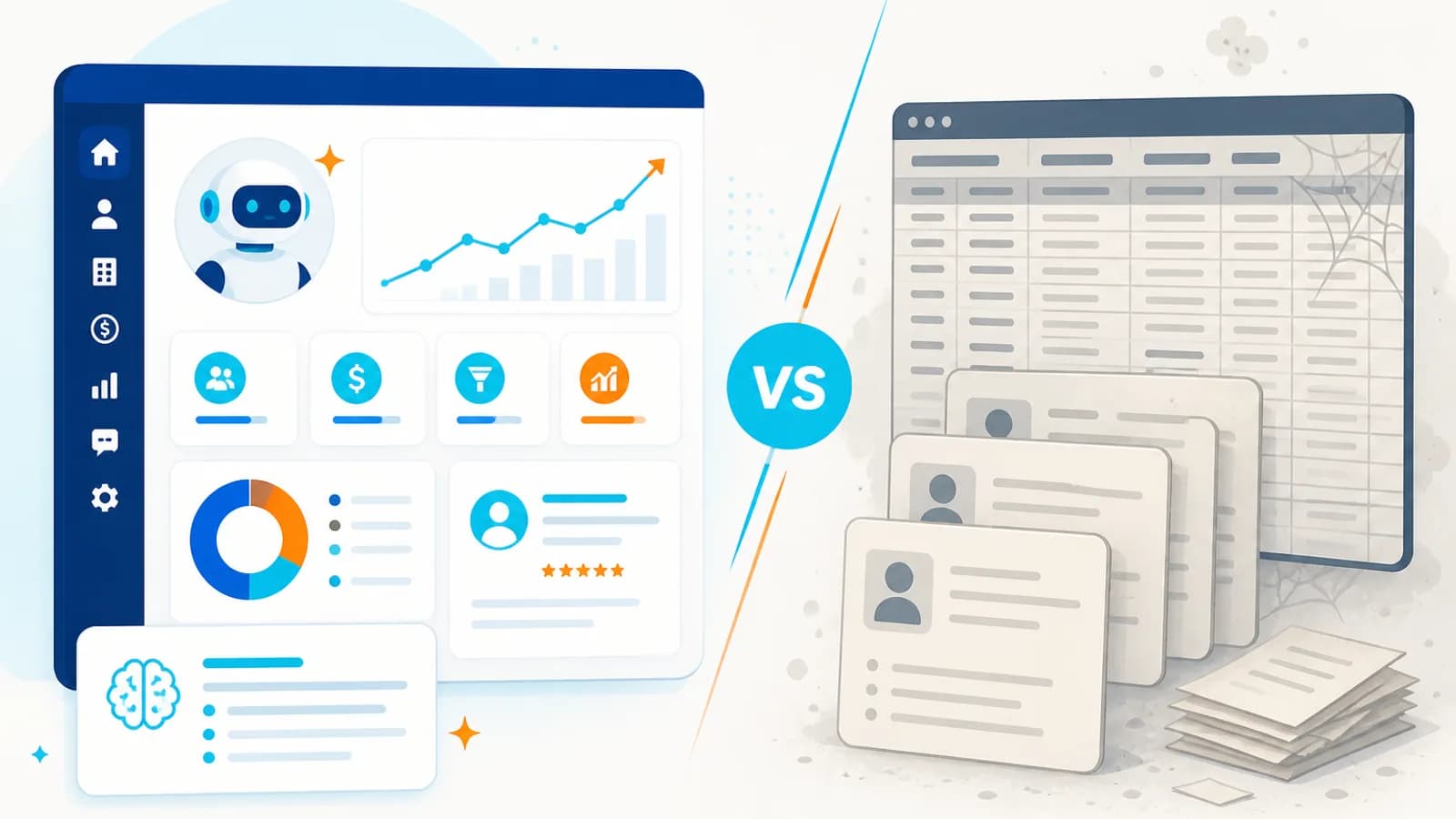
AI-Powered CRM: Why Traditional CRMs Are Becoming Outdated in 2026
10 August 2026