
Education
Typical problem: Lead and student lifecycle spread across tools
Potential solution: CRM, portals, and workflow automation
Explore Education →Scattered leads and inconsistent follow-up slow growth. AIOBook builds custom CRM software with lead management, sales automation, AI-powered workflows and integrations to WhatsApp, email and your existing systems.
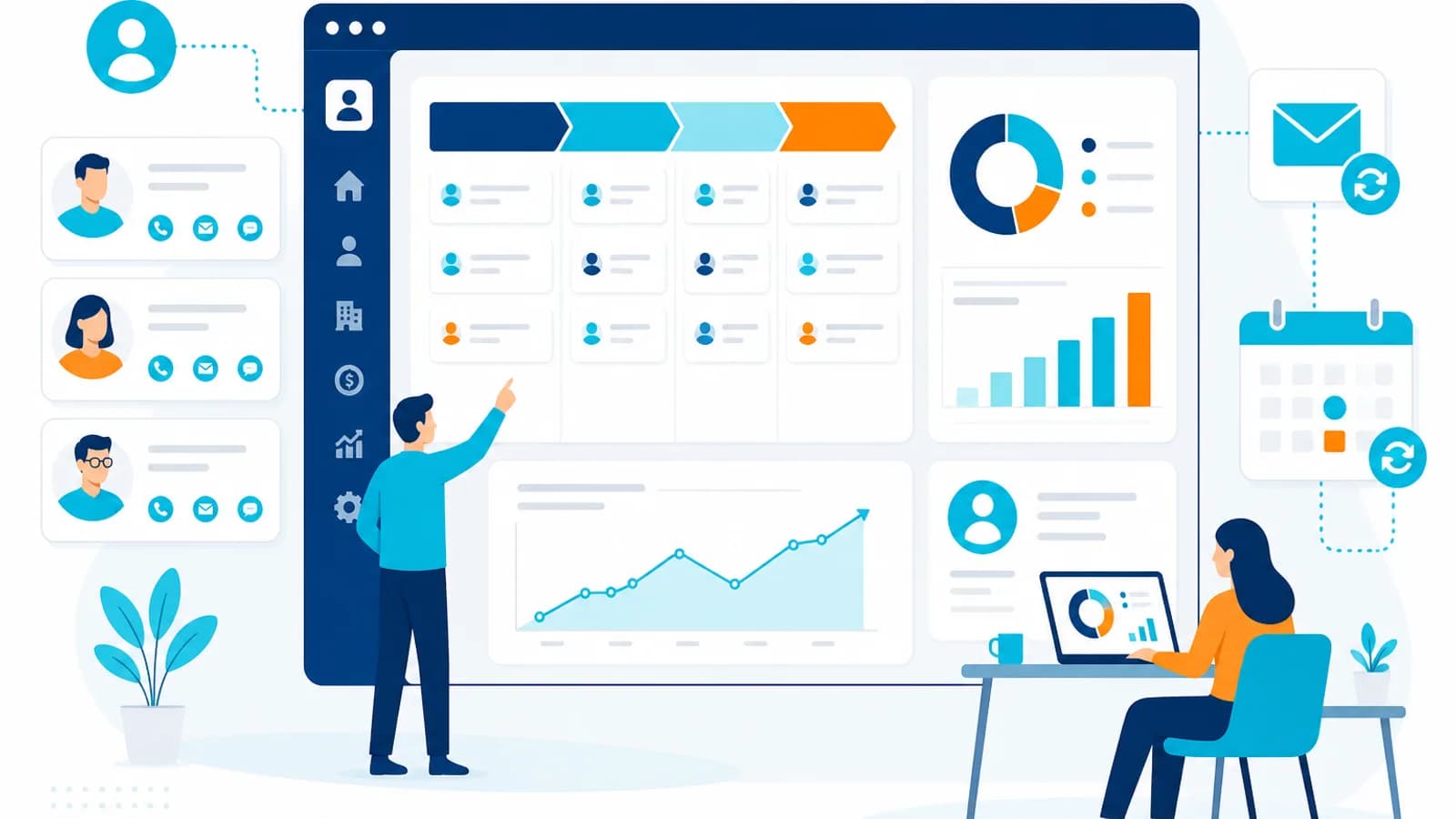
CRM software centralizes leads, customer interactions, pipelines, and follow-up activity. Businesses need CRM when sales or account data is scattered and forecasting becomes unreliable. AIOBook implements and configures CRM platforms, connects them to websites, campaigns, and back-office systems, and tunes workflows so teams spend less time managing tools and more time serving customers.
The comparison below shows common operational friction before a connected solution — and the direction AIOBook solutions aim to achieve.
Before
After AIOBook solution
AIOBook starts from the business problem, then designs technology and integrations that support reliable execution.
Problem
Customer and sales data is fragmented across channels and teams.
Approach
Map the sales process, define pipeline stages, and configure CRM around real workflows.
Solution
CRM platform configuration, automation rules, and role-based access.
Integration
Website forms, messaging, ERP, billing, and support tools where appropriate.
Outcome
A single customer view with reliable pipeline reporting and follow-up.
Leads enter from websites, ads, WhatsApp, events, and email. CRM captures and deduplicates them, supports qualification, moves opportunities through the pipeline, triggers follow-up automation, and gives teams a connected customer view for reporting and decisions.
Have a similar process in your organization?
Discuss Your Requirement →Where appropriate, AIOBook connects CRM with existing business systems through APIs and integrations.
Where appropriate, AIOBook connects the solution with existing business systems through APIs and integrations.
AI and automation can improve CRM when they reduce repetitive entry, assist qualification, or trigger follow-up — only where they create measurable value.
AI and automation can improve CRM when they reduce repetitive entry, assist qualification, or trigger follow-up — only where they create measurable value.
Typical problem: Lead and student lifecycle spread across tools
Potential solution: CRM, portals, and workflow automation
Explore Education →Typical problem: Patient coordination and manual intake workflows
Potential solution: Portals, automation, and connected systems
Explore Healthcare →Typical problem: Inventory, orders, and customer data out of sync
Potential solution: E-commerce, CRM, and operational automation
Explore Retail →Typical problem: Lead follow-up and listing workflows
Potential solution: CRM and custom workflow tools
Explore Real Estate →Typical problem: Client delivery and billing disconnected from sales
Potential solution: CRM and custom applications
Explore Professional Services →Implementation moves from consultation through design, build, integration, testing, launch, and optimization.
Generic implementation
AIOBook approach
Education
Challenge: Counselors tracked leads in spreadsheets with no visibility into follow-up SLAs.
Solution: Custom CRM with WhatsApp integration, pipeline stages, and counselor dashboards.
Outcome: 60% faster lead follow-up and centralized student application tracking.
Manufacturing
Challenge: Finance, inventory, and production data lived in disconnected legacy tools.
Solution: ERP hub integrating ecommerce, CRM, and finance with phased rollout.
Outcome: 40% operational efficiency improvement and a single source of truth.
A CRM centralizes leads, customer interactions, pipelines, and account history so sales and support teams work from shared information.
Businesses typically need CRM when customer data is scattered, follow-up is inconsistent, or pipeline visibility is poor.
Yes. CRM can often connect to websites, messaging tools, ERP, billing, and custom applications through APIs.
Yes, where appropriate controls and human review are in place for qualification or response assistance.
Build software tailored to workflows that do not fit generic tools.
Best for
Organizations with unique processes or data models
Benefit
Software that matches how the business actually works
Explore Custom ApplicationsUnify finance, inventory, HR, and operations on one platform.
Best for
Businesses running core operations across disconnected tools
Benefit
Unified business data and clearer operational visibility
Explore ERP SolutionsLaunch and grow online selling with connected catalog, checkout, and fulfilment.
Best for
Businesses scaling online revenue and operations
Benefit
Smoother customer journeys and scalable commerce ops
Explore E-commerce SolutionsShip reliable mobile and web applications connected to your business systems.
Best for
Teams launching or modernizing customer or field apps
Benefit
Dependable applications with connected business data
Explore App DevelopmentTell us what you're trying to improve, automate or build. We can help you identify the right approach and next step.