
Education
Typical problem: Lead and student lifecycle spread across tools
Potential solution: CRM, portals, and workflow automation
Explore Education →When finance, inventory, HR, and operations run on disconnected tools, leaders lack a single source of truth. AIOBook delivers custom ERP development, ERP automation and integrations that unify core business processes.
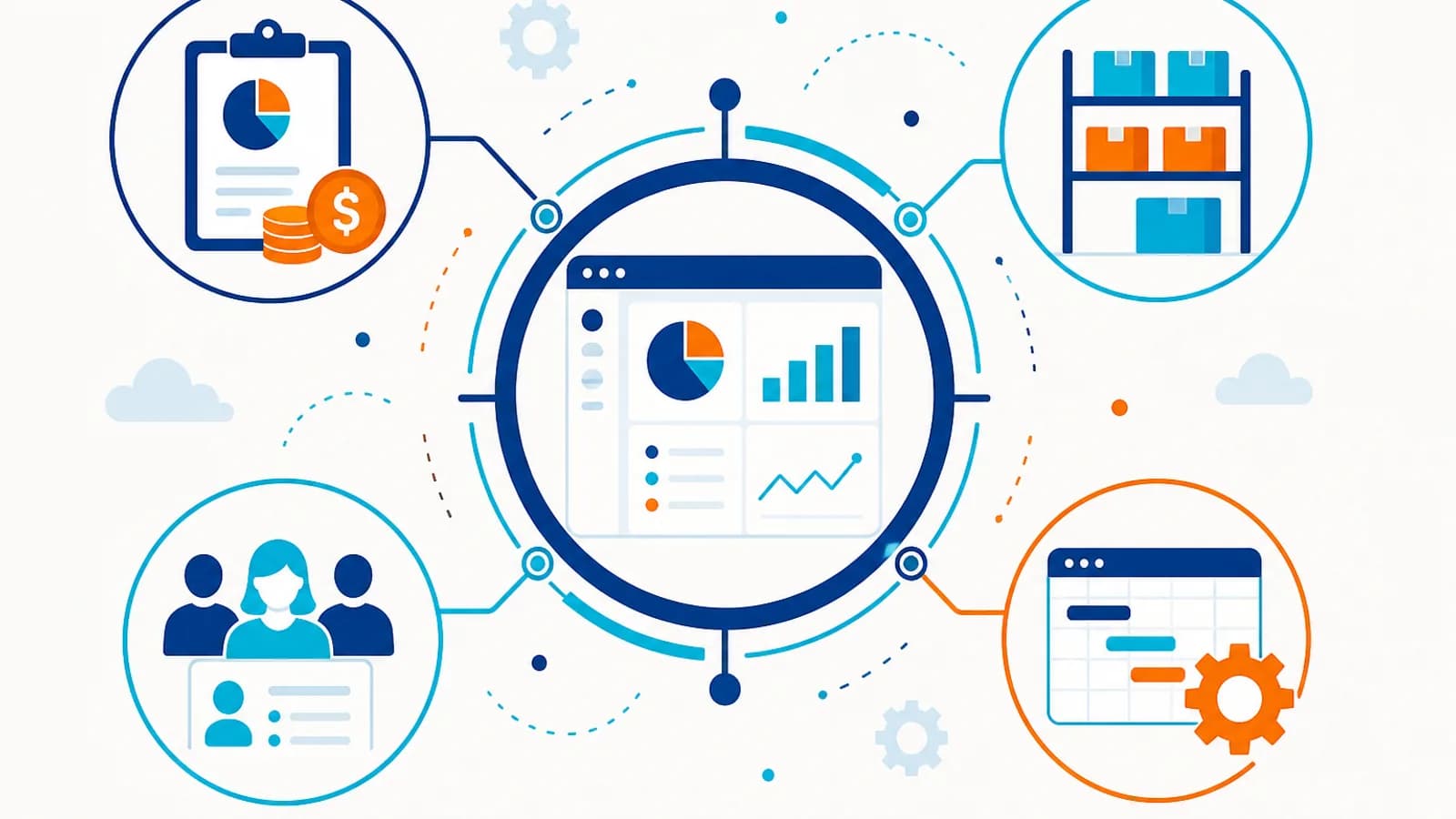
ERP software connects finance, inventory, procurement, HR, and operations in one system. Businesses need ERP when core processes are spread across spreadsheets and legacy tools. AIOBook helps evaluate platforms, design integrations, migrate data safely, and roll out ERP in practical phases.
The comparison below shows common operational friction before a connected solution — and the direction AIOBook solutions aim to achieve.
Before
After AIOBook solution
AIOBook starts from the business problem, then designs technology and integrations that support reliable execution.
Problem
Core business data is fragmented across finance, inventory, and operations.
Approach
Map processes, prioritize modules, and phase ERP rollout by business value.
Solution
ERP configuration, data migration, and integration architecture.
Integration
CRM, e-commerce, payments, warehousing, and custom applications.
Outcome
Unified operational data with clearer reporting and control.
Operational functions feed into a central ERP layer so teams can manage and report from one reliable system.
Have a similar process in your organization?
Discuss Your Requirement →AIOBook connects ERP with CRM, commerce, payments, and custom systems where appropriate.
Where appropriate, AIOBook connects the solution with existing business systems through APIs and integrations.
Typical problem: Lead and student lifecycle spread across tools
Potential solution: CRM, portals, and workflow automation
Explore Education →Typical problem: Patient coordination and manual intake workflows
Potential solution: Portals, automation, and connected systems
Explore Healthcare →Typical problem: Inventory, orders, and customer data out of sync
Potential solution: E-commerce, CRM, and operational automation
Explore Retail →Typical problem: Lead follow-up and listing workflows
Potential solution: CRM and custom workflow tools
Explore Real Estate →Typical problem: Client delivery and billing disconnected from sales
Potential solution: CRM and custom applications
Explore Professional Services →Implementation moves from consultation through design, build, integration, testing, launch, and optimization.
Generic implementation
AIOBook approach
Manufacturing
Challenge: Finance, inventory, and production data lived in disconnected legacy tools.
Solution: ERP hub integrating ecommerce, CRM, and finance with phased rollout.
Outcome: 40% operational efficiency improvement and a single source of truth.
Education
Challenge: Admissions, fees, and parent communication were handled across multiple tools.
Solution: School management platform with admissions, billing, and parent portals.
Outcome: Unified campus operations and improved parent satisfaction.
ERP connects core business functions such as finance, inventory, procurement, operations, and HR in one system.
Yes. ERP frequently integrates with CRM, commerce, and warehouse systems through APIs.
Not necessarily. AIOBook often recommends phased rollouts that deliver value module by module.
Centralize leads, pipelines, and customer history.
Best for
Organizations with scattered customer data and sales workflows
Benefit
Better sales visibility and consistent follow-up
Explore CRM SolutionsBuild software tailored to workflows that do not fit generic tools.
Best for
Organizations with unique processes or data models
Benefit
Software that matches how the business actually works
Explore Custom ApplicationsLaunch and grow online selling with connected catalog, checkout, and fulfilment.
Best for
Businesses scaling online revenue and operations
Benefit
Smoother customer journeys and scalable commerce ops
Explore E-commerce SolutionsTell us what you're trying to improve, automate or build. We can help you identify the right approach and next step.